
In today’s digital world, having a fast-loading website with an exceptional user experience (UX) is crucial for businesses in Atlanta, GA. Whether you run a small local business or a large corporation, website speed and usability can significantly impact your online presence, search engine rankings, and customer satisfaction. If your website is slow or difficult to navigate, visitors are more likely to leave, resulting in lost opportunities and revenue.
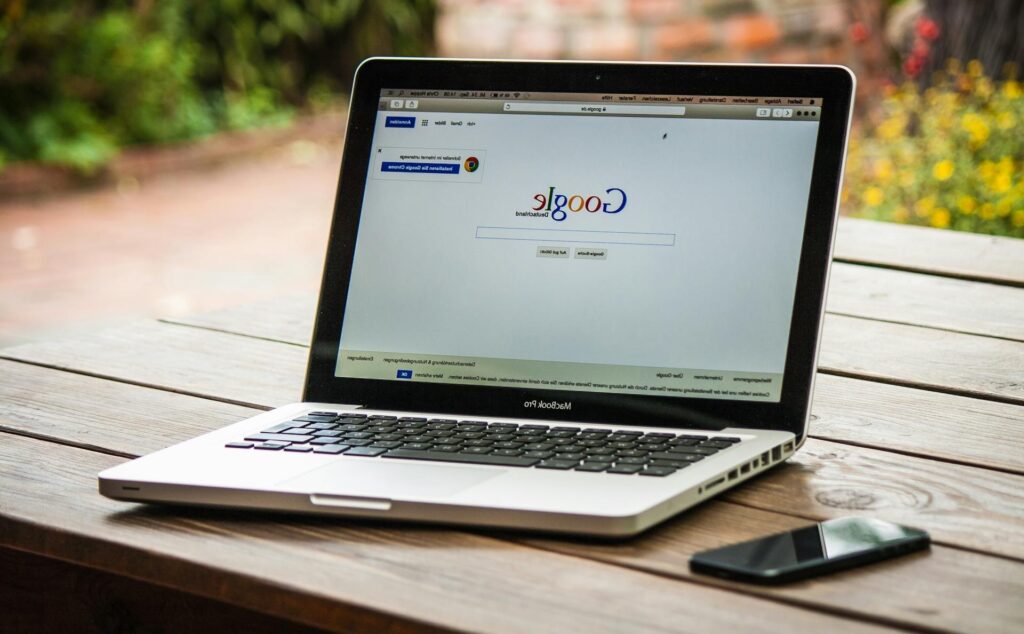
This guide will explore essential strategies to optimize your Atlanta business website for faster load times and better UX.
1. Improve Website Speed with Faster Hosting
Your website’s hosting provider plays a significant role in determining how fast your pages load. If your site is hosted on a slow or overcrowded server, visitors will experience delays, which can hurt engagement and conversions.
Solutions:
- Choose a reliable hosting provider with high-speed performance, such as Cloudways, SiteGround, or WP Engine.
- Opt for cloud hosting or dedicated servers instead of shared hosting for better speed and reliability.
- Use a content delivery network (CDN) like Cloudflare or StackPath to distribute your content across multiple locations, reducing load times for users in different areas, including Atlanta.
2. Optimize Images and Media Files
Large image and video files can slow down your website significantly. Optimizing your media assets ensures your site remains visually appealing without sacrificing performance.
Solutions:
- Compress images using tools like TinyPNG, ShortPixel, or Smush.
- Convert images to next-gen formats such as WebP for faster loading.
- Use lazy loading to only load images when they are visible on the screen.
3. Minimize HTTP Requests
Every time a user visits your site, their browser requests different files (images, CSS, JavaScript). The more requests, the slower the website loads.
Solutions:
- Reduce the number of plugins and scripts running on your site.
- Use CSS sprites to combine multiple images into one file, reducing HTTP requests.
- Minimize and combine CSS and JavaScript files to cut down on unnecessary requests.
4. Leverage Browser Caching
When a visitor loads your website, their browser stores some of the data temporarily. This prevents the need to reload the entire page when they revisit, speeding up the experience.
Solutions:
- Enable browser caching using plugins like WP Rocket (WordPress) or manually configure caching headers via
.htaccess. - Set cache expiration for static files (like images and CSS) to at least a month to avoid frequent reloads.
5. Optimize for Mobile Users
With more people in Atlanta accessing websites on their mobile devices, optimizing your site for mobile users is non-negotiable.
Solutions:
- Implement a responsive design that adjusts to different screen sizes.
- Use AMP (Accelerated Mobile Pages) for faster mobile experiences.
- Optimize touch-friendly navigation and avoid pop-ups that block content.
6. Improve UX with Clear Navigation and Layout
A well-structured website improves user engagement and reduces bounce rates, keeping visitors on your site longer.
Solutions:
- Use a clear menu structure with logical categories and subcategories.
- Implement breadcrumb navigation to help users find their way around easily.
- Maintain a clean, uncluttered design with plenty of white space for readability.
7. Reduce Server Response Time
The time it takes for your server to respond to a browser’s request directly affects page speed.
Solutions:
- Optimize your database by cleaning up old, unused files and reducing bloat.
- Use a high-performance DNS provider like Cloudflare or Google DNS.
- Monitor performance with tools like Google PageSpeed Insights and GTmetrix to identify bottlenecks.
8. Enable Gzip Compression
Gzip compression reduces the size of your website’s files, making them load faster for users.
Solutions:
- Enable Gzip compression via your web host or configure it manually in the
.htaccessfile. - Use tools like Brotli compression for even better performance.
9. Optimize Your Website for Local Atlanta SEO
Faster websites rank better on Google, but combining speed with local SEO strategies will further improve visibility for Atlanta-based businesses.
Solutions:
- Optimize Google My Business (GMB) and ensure your NAP (Name, Address, Phone Number) is consistent across directories.
- Use location-specific keywords like “Atlanta web design services” or “Best website optimization in Atlanta, GA.”
- Improve internal linking to help Google crawl and index your pages more efficiently.
10. Regularly Monitor and Test Website Performance
Optimizing your website is an ongoing process. Regular testing helps identify new issues and areas for improvement.
Tools to Use:
- Google PageSpeed Insights – Analyzes website performance and provides optimization tips.
- GTmetrix – Provides detailed speed analysis and performance scores.
- Pingdom – Tests page load speed from different global locations.
- Google Analytics – Tracks user behavior, bounce rates, and conversion metrics.
A well-optimized website is essential for any business in Atlanta looking to attract and retain customers. Faster load times and a seamless UX improve visitor engagement, reduce bounce rates, and enhance search engine rankings. By implementing the strategies outlined in this guide, your Atlanta business website will run more efficiently, keeping users happy and helping you stay ahead of the competition.
If you need expert assistance with website optimization and redesign services in Atlanta, GA, contact a professional web design agency to ensure your business achieves the best possible online performance.
The written content on this page was generated by ChatGPT.